Toggle menu

Plastic Surgery Mobile App

At David Floyd Plastic Surgery we want you to feel informed, prepared and supported at every stage of your treatment. To help with this, we provide access to a secure mobile Patient Journey app that guides you through your care before surgery, during recovery and beyond.

The app brings together clear guidance, helpful reminders and procedure-specific information, all in one place on your phone.

You can download the app using the buttons on this page. Because the software is developed by a Dutch medical technology company in collaboration with David Floyd, the App Store and Google Play pages may appear in Dutch. Once installed, simply select David Floyd Plastic Surgery as your healthcare provider and everything inside the app will be available in English.

Download the app

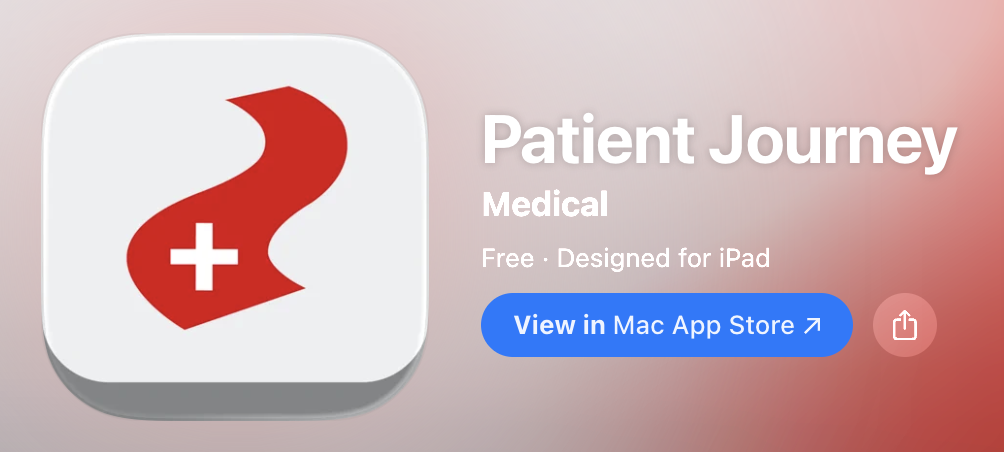
The app will look like this in the app stores. 

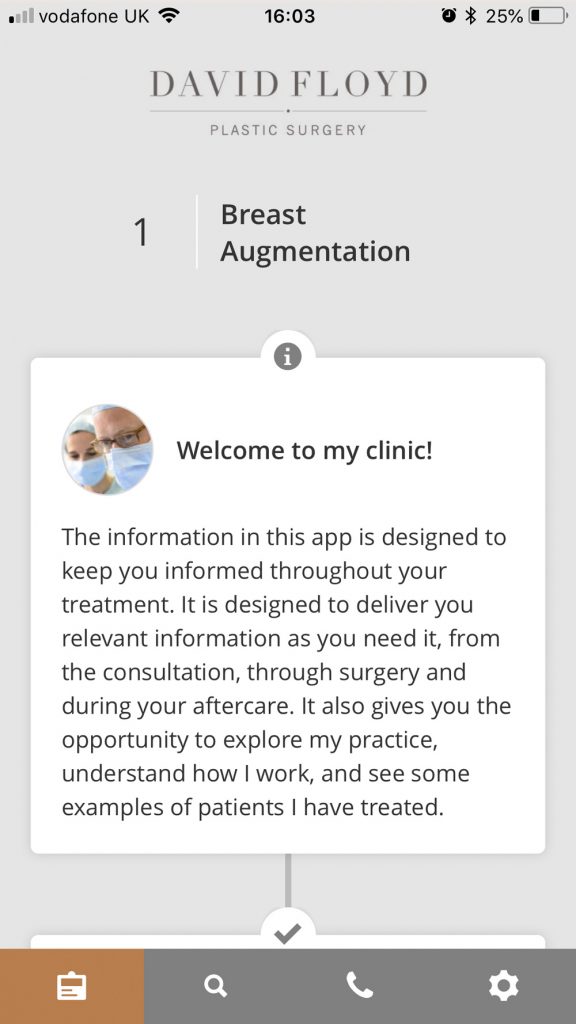
Your personalised patient journey

  • A welcome message from David Floyd
  • Your selected procedure clearly shown
  • A timeline that guides you through preparation, surgery and recovery
  • Step-by-step information that changes as you move through your journey

This keeps everything relevant to you and your treatment, without needing to search through lots of generic information.

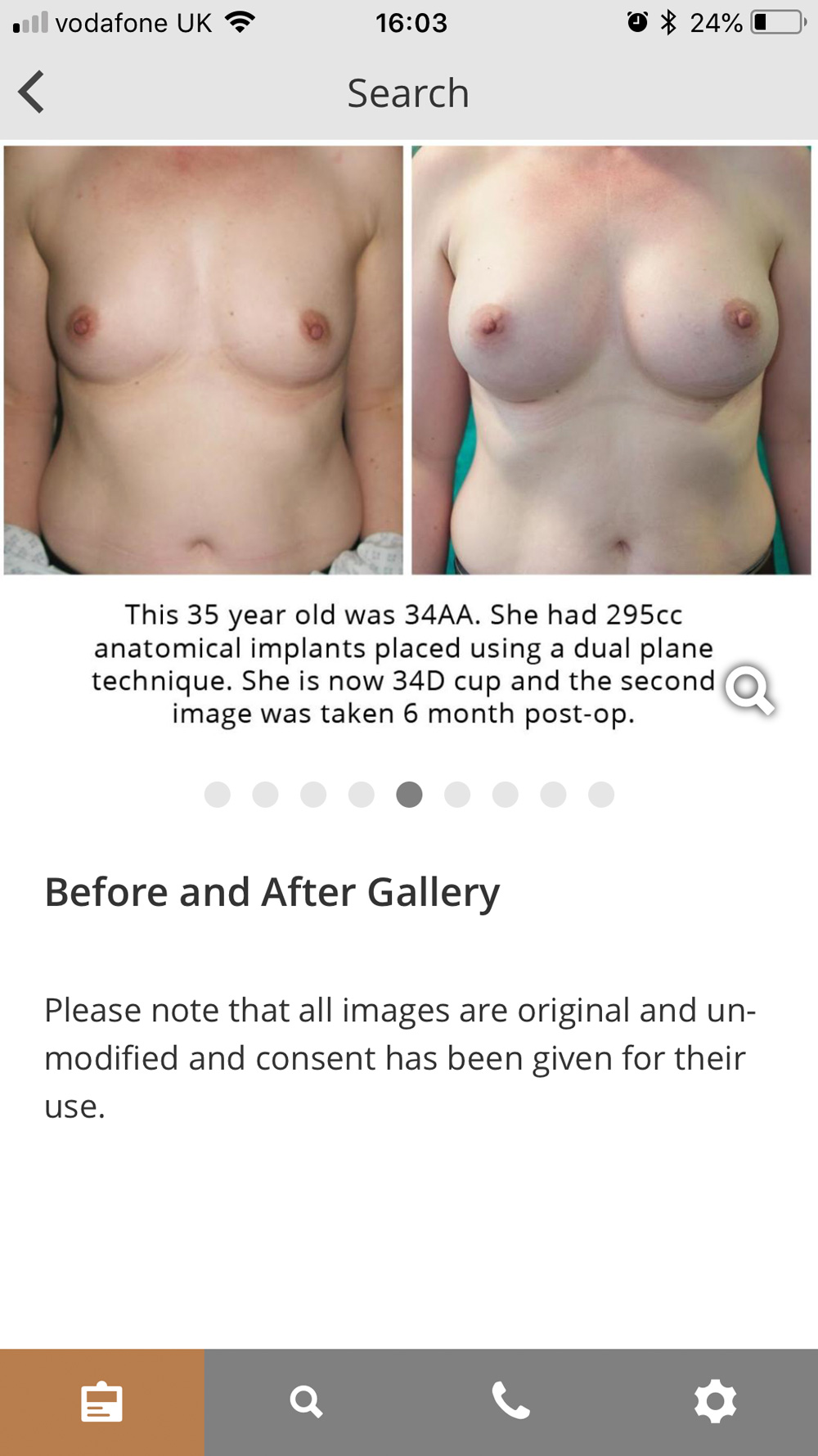
Before and after galleries

  • Real clinical before and after images
  • Organised by procedure
  • Designed to help you understand likely outcomes
  • All images shown with appropriate patient consent

These galleries are there to help you feel informed and confident about what different procedures can achieve.

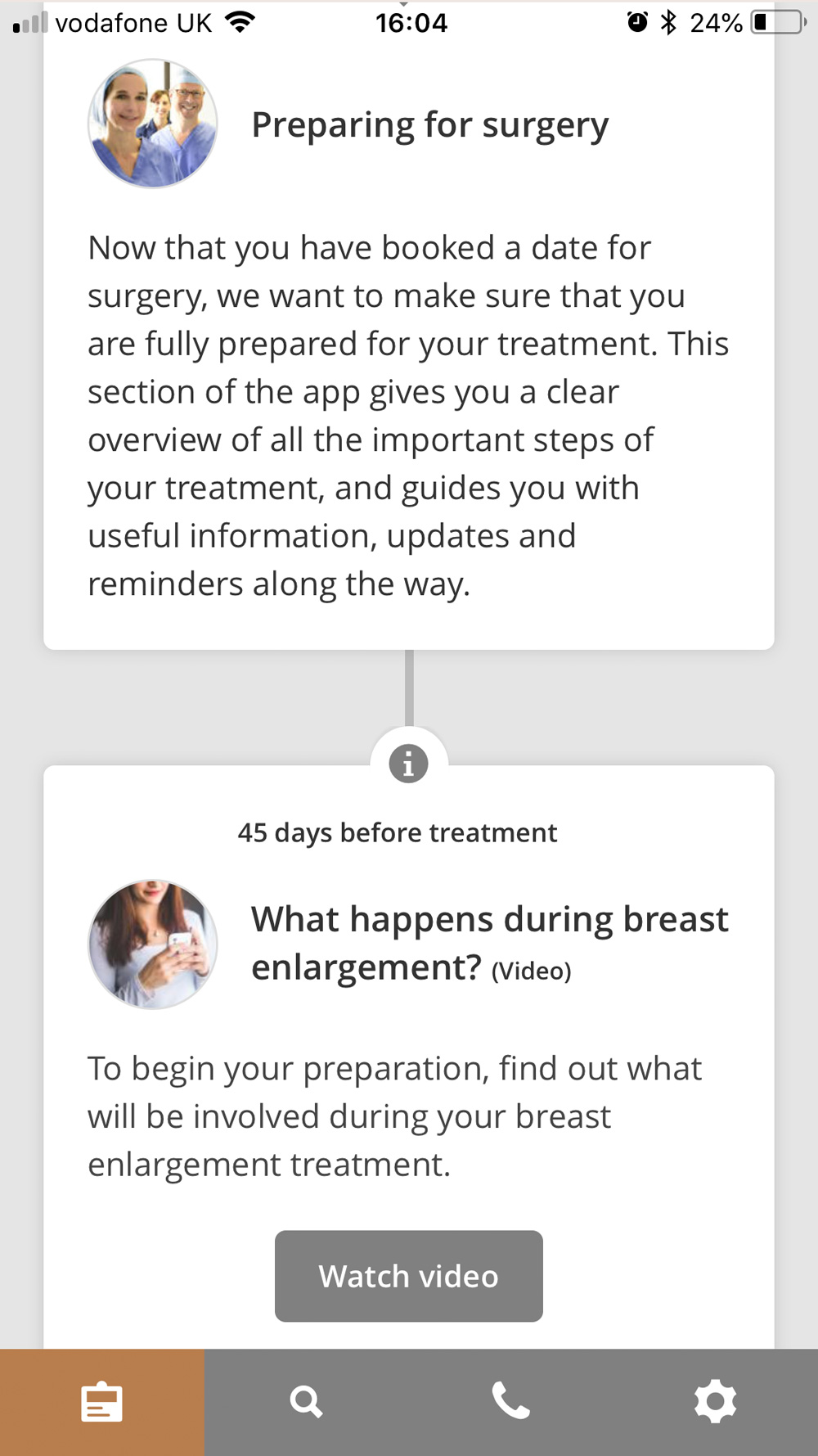
Preparing for your surgery

  • Clear guidance on what to do before your operation
  • Important reminders and key milestones
  • Short videos explaining what to expect
  • Helpful tips to make sure you are fully prepared

All content is aligned to your procedure and where you are in the process.

The examples shown above are only a small part of the app. Additional sections and tools are unlocked depending on your procedure and stage of care.

How to get started

1. Download the app
Use the App Store or Google Play buttons on this page to install the Patient Journey app on your phone.

2. Open the app
The app store pages may appear in Dutch. This is normal. Once the app is installed, open it on your device.

3. Select your clinic
Choose David Floyd Plastic Surgery from the list of healthcare providers.

4. Choose your treatment
Select your procedure so the app can show the correct information and timeline.

5. Use the app in English
Once your clinic and treatment are selected, all content will be displayed in English and tailored to your care.

Data protection and privacy

Your privacy is protected at all times. The Patient Journey app is built for healthcare use and is fully GDPR compliant. Your personal and medical information is stored securely and is only used to support your care with David Floyd Plastic Surgery. Your data is not shared with, sold to, or accessed by any other organisation.

Download the app

top